Real-Time Laravel With Mercure And Echo (No Websocket Server)
Published on October 6, 2026 by Dinesh Uprety
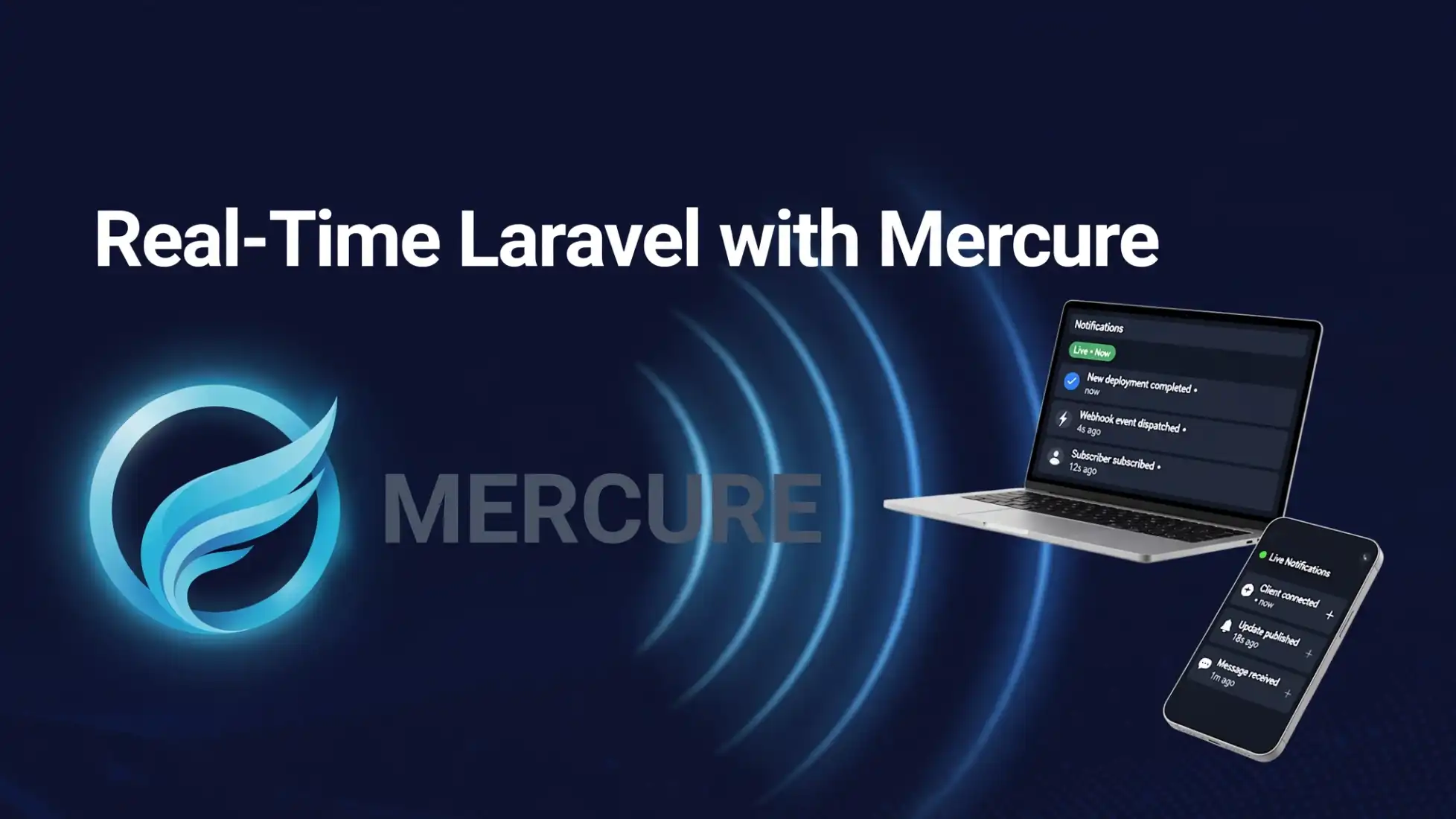
📡 Real-Time Laravel with Mercure: No WebSocket Server Needed
Real-time features used to mean running a WebSocket server — another process to deploy, scale, and babysit. Mercure flips that: it's a tiny hub that pushes updates to browsers over Server-Sent Events, a technology every browser already speaks natively. No WebSocket server. No extra client library. And now Laravel Echo ships a Mercure connector out of the box.
In this tutorial you'll build a live dashboard with three real-time features: a public order ticker, private user notifications, and a "who's online" presence list — all in about 30 minutes.
What you'll build: public + private + presence channels, plus typing-indicator whispers, served by one Mercure hub.
Prerequisites: a Laravel 13 app, Docker, and Node.js. (The Mercure driver landed in Laravel 13 in September 2026 — it's not available on 12.x.)
🧠 1. What Is Mercure? (Plain Words)
Imagine a radio station. Your Laravel app is the DJ — it "publishes" updates to topics like orders or user.5. The Mercure hub is the transmitter. Browsers subscribe to topics they're interested in, and the hub streams updates to them over a plain HTTP connection that stays open (that's Server-Sent Events).
Three things make it special:
- No client library — browsers have
EventSourcebuilt in; Echo's Mercure connector uses it directly - One connection for everything — a single EventSource multiplexes all your channels
- Auto-reconnect — if the connection drops, the browser quietly reconnects and asks for anything it missed
🐳 2. Run the Hub with Docker
The hub is a single binary. One docker-compose.yml and you're done:
services: mercure: image: dunglas/mercure restart: unless-stopped ports: - "3001:80" environment: SERVER_NAME: ":80" MERCURE_PUBLISHER_JWT_KEY: "change-me-to-a-long-random-secret" MERCURE_SUBSCRIBER_JWT_KEY: "change-me-to-a-long-random-secret" MERCURE_EXTRA_DIRECTIVES: | anonymous subscriptions cors_origins http://localhost:8000docker compose up -dYour hub now lives at http://localhost:3001. The anonymous directive lets public channels work without a token — perfect for local development — and subscriptions enables the subscription API that powers presence channels.
🧠 In production, run the hub behind HTTPS (Caddy handles this automatically) and drop
anonymousfor anything sensitive.
⚙️ 3. Tell Laravel to Broadcast via Mercure
First, pull in the Mercure PHP library — the framework driver needs it:
composer require symfony/mercureSet the broadcast driver:
BROADCAST_CONNECTION=mercureMERCURE_URL=http://localhost:3001/.well-known/mercureMERCURE_JWT_SECRET=change-me-to-a-long-random-secret-at-least-32-bytes(The secret must be at least 32 bytes for the default HS256 algorithm.)
Register the connection in config/broadcasting.php:
'connections' => [ // ... your other connections ... 'mercure' => [ 'driver' => 'mercure', 'url' => env('MERCURE_URL'), 'secret' => env('MERCURE_JWT_SECRET'), ], ],From here on, your events don't care which driver they use — standard ShouldBroadcast events just work:
<?php namespace App\Events; use Illuminate\Broadcasting\Channel;use Illuminate\Contracts\Broadcasting\ShouldBroadcast;use Illuminate\Foundation\Events\Dispatchable; class OrderStatusUpdated implements ShouldBroadcast{ use Dispatchable; public function __construct( public int $orderId, public string $status, ) {} public function broadcastOn(): array { return [new Channel('orders')]; } public function broadcastAs(): string { return 'order.status'; }}Fire it from anywhere: OrderStatusUpdated::dispatch($order->id, 'shipped');
🌐 4. Configure Echo — No Extra Package Needed
This is the part that used to require pusher-js or a Reverb client. With the Mercure connector, Echo talks to the hub through the browser's native EventSource:
// resources/js/echo.jsimport Echo from 'laravel-echo'; window.Echo = new Echo({ broadcaster: 'mercure', // hub URL defaults to /.well-known/mercure on your own domain — // override it locally: // host: 'http://localhost:3001/.well-known/mercure',});That's the whole client setup. Import this file in your app bundle and you're connected.
🧠 The Mercure connector is merged into laravel-echo's 2.x branch — if your installed version doesn't offer
broadcaster: 'mercure'yet, update to a release that includes it.
🧠 Behind the scenes, Echo opens one EventSource and multiplexes every channel over it. Joining or leaving channels doesn't open new connections.
📢 5. Public Channel: The Live Order Ticker
Public channels need no authentication — perfect for a dashboard everyone can see:
window.Echo.channel('orders') .listen('.order.status', (e) => { console.log(`Order #${e.orderId} is now ${e.status}`); // prepend it to your ticker UI });⚠️ Note the leading dot in
.order.status. When you setbroadcastAs(), Echo treats the name as final — the dot tells it not to prepend theApp\Events\namespace. Forget the dot and your listener silently never fires. (Everyone learns this the hard way once.)
Dispatch an event from tinker and watch the browser update instantly:
php artisan tinker>>> App\Events\OrderStatusUpdated::dispatch(42, 'shipped');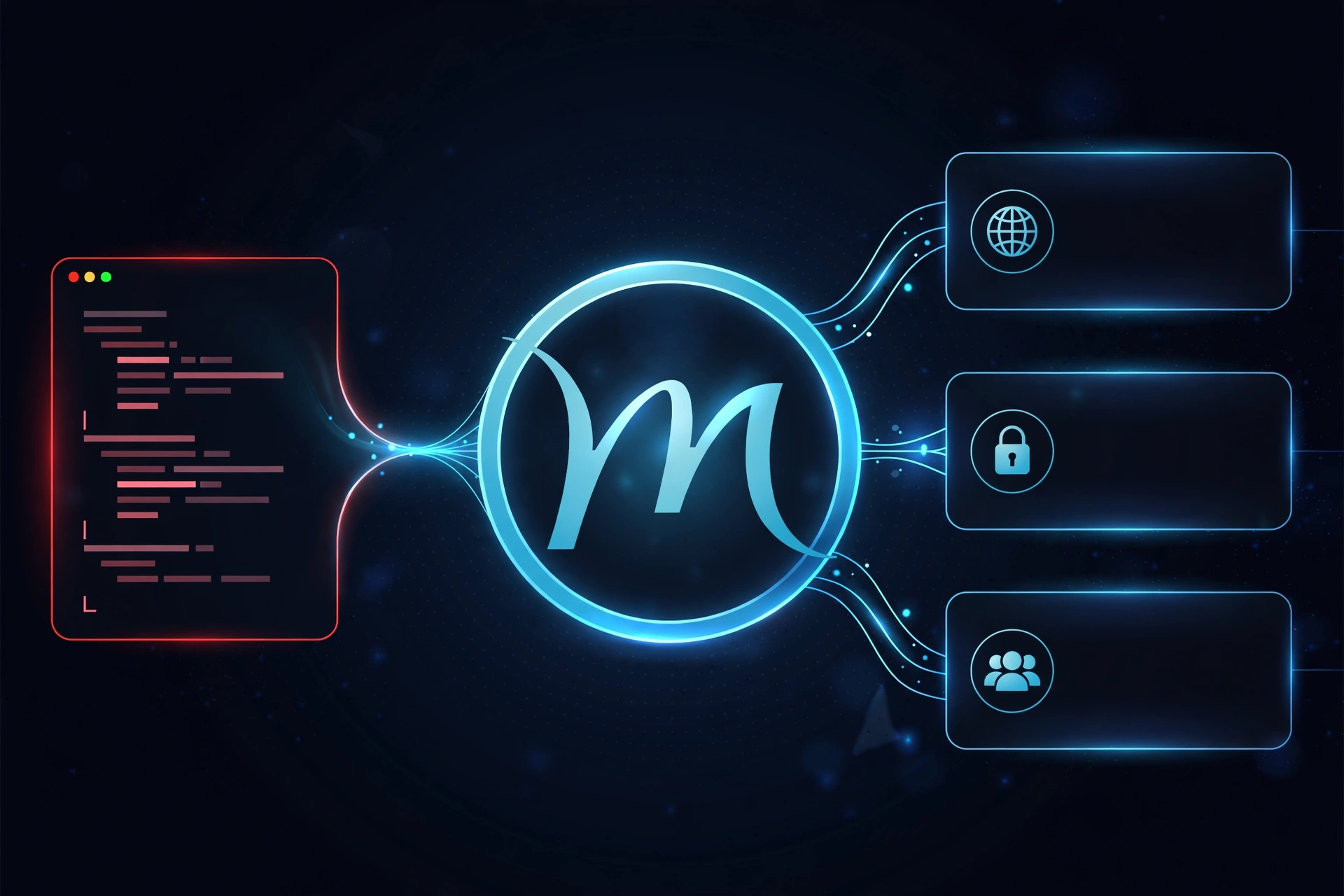
🔒 6. Private Channels: User Notifications
Private channels are for data that belongs to one user. Laravel authorizes them through routes/channels.php — exactly like always:
// routes/channels.phpuse Illuminate\Support\Facades\Broadcast; Broadcast::channel('App.Models.User.{id}', function ($user, $id) { return (int) $user->id === (int) $id;});Broadcast a notification event:
class InvoicePaid implements ShouldBroadcast{ public function broadcastOn(): array { return [new PrivateChannel('App.Models.User.'.$this->user->id)]; } public function broadcastAs(): string { return 'invoice.paid'; }}Listen on the frontend:
window.Echo.private(`App.Models.User.${userId}`) .listen('.invoice.paid', (e) => { showToast(`Invoice #${e.invoiceId} paid — $${e.amount}`); });With Mercure, the auth handshake goes through Laravel's standard /broadcasting/auth endpoint and lands in an httpOnly cookie — Echo re-mints it automatically before it expires. You write zero auth code on the client.
👥 7. Presence Channels: Who's Online
Presence channels are private channels with a superpower: the hub tells you who else is subscribed. Perfect for "online now" lists and chat rooms.
Authorize it in routes/channels.php — return the member info you want others to see:
Broadcast::channel('chat', function ($user) { return ['id' => $user->id, 'name' => $user->name];});window.Echo.join('chat') .here((users) => { renderOnlineList(users); // everyone currently here }) .joining((user) => { console.log(`${user.name} joined`); }) .leaving((user) => { console.log(`${user.name} left`); }) .listen('.message.sent', (e) => { appendMessage(e.message); });Mercure seeds the member list from the hub's subscription API and keeps it live — joins and leaves arrive as events themselves.
⌨️ 8. Bonus: Typing Indicators with Whispers
Whispers are client-to-client events that never touch your server — ideal for "typing…" indicators:
// Sendwindow.Echo.join('chat').whisper('typing', { name: userName }); // Receivewindow.Echo.join('chat').listenForWhisper('typing', (e) => { showTypingIndicator(e.name);});Under the hood, Echo publishes whispers straight to the hub on a per-channel topic, and they arrive on a separate whisper-only stream — so channel members can't forge fake server events. On encrypted channels, whispers are sealed with the channel key before leaving the browser.
✅ 9. Production Checklist
- HTTPS everywhere — run the hub behind TLS; browsers refuse insecure EventSource on HTTPS pages
- Remove
anonymousfor private data — require subscriber JWTs in production - Same-domain hub — serve the hub from
/.well-known/mercureon your own domain and you skip CORS entirely - Scale — the hub is stateless-ish; put it behind your load balancer like any other service
- Monitor — watch hub memory; each open EventSource is one idle connection
🎯 Final Thoughts
Mercure quietly removes the most annoying part of real-time Laravel: the WebSocket server. One Docker container, one Echo config line, and your events flow to browsers over technology they've supported for a decade.
Public ticker → private notifications → presence → whispers. That's the full real-time toolkit, and now you have all four.
What are you making live first? Drop a comment below. 👇
Sources:

Senior Software Engineer • Writer @ Laranepal • PHP, Laravel, Livewire, TailwindCSS & VueJS • CEO @ Laranepal & Founder @ laracodesnap