Laravel Pennant: Ship Features Without the Fear
You know that feeling. You push a shiny new feature to production on Friday afternoon, and by Friday evening your phone is buzzing with bug reports. The feature worked perfectly on your machine, on staging, everywhere — except in the hands of real users.
What if you could have turned it off with one line of code instead of rushing a hotfix at midnight?
That's exactly what feature flags give you. And Laravel has an official, beautifully simple package for them: Pennant.
What Problem Do Feature Flags Actually Solve?
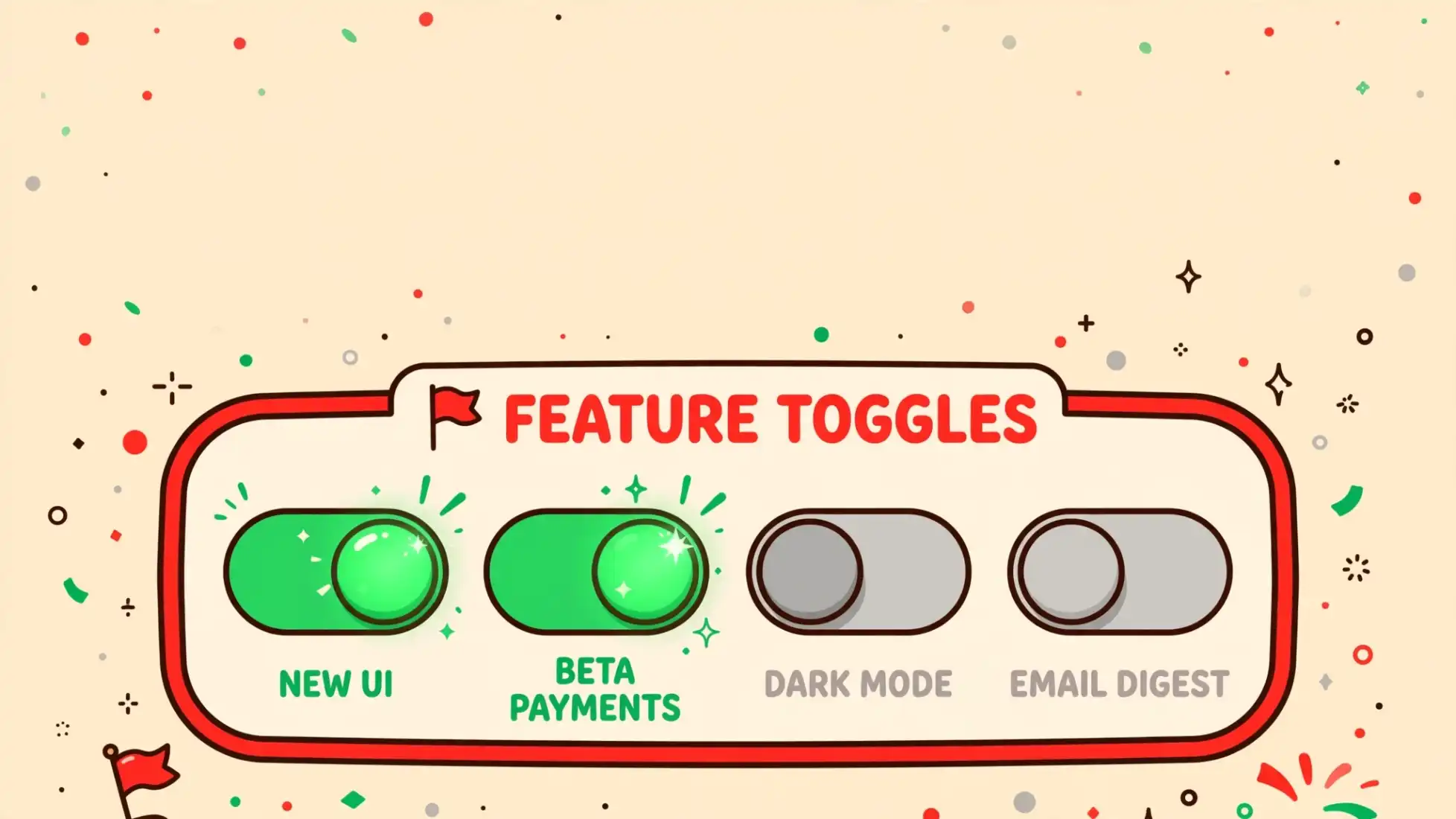
Think of a feature flag as a light switch for your code. You deploy the new checkout page, but the switch is off for everyone except your team. You flip it on for 5% of users. Everything looks good? Turn it up to 50%. Spot a bug? Flip it off instantly — no deploy, no rollback, no panic.
In practice, teams use feature flags to:
- Roll out gradually — release to 1% of users first, then grow
- Test ideas — show half your users the blue button, half the orange one
- Kill bad deploys instantly — a bug in production becomes a switch flip, not an emergency deploy
- Ship half-finished work safely — merge to main without exposing unfinished features
Big companies do this constantly. With Pennant, you can do it in about ten minutes.
Installation: Three Commands and You're In
Pennant is a first-party Laravel package, so setup is painless:
composer require laravel/pennantThen publish its config and migration files:
php artisan vendor:publish --provider="Laravel\Pennant\PennantServiceProvider"And run the migration — this creates a features table that stores each user's flag state:
php artisan migrateThat's it. Pennant stores flag values in your database by default (the database driver), which means once a user is sorted into the "new feature" group, they stay there consistently across requests. There's also an array driver if you want purely in-memory flags, great for testing.
Defining Your First Feature
Features are usually defined in a service provider — AppServiceProvider is a fine home. You give the feature a name and a closure that decides who gets it:
use App\Models\User;use Illuminate\Support\Lottery;use Illuminate\Support\ServiceProvider;use Laravel\Pennant\Feature; class AppServiceProvider extends ServiceProvider{ public function boot(): void { Feature::define('new-checkout', fn (User $user) => match (true) { $user->isAdmin() => true, // team always sees it $user->isEnterprise() => false, // keep big clients safe default => Lottery::odds(1, 100), // everyone else: 1% chance }); }}Read that like a set of house rules: admins always get the new checkout, enterprise customers never do (not yet), and everyone else gets a 1-in-100 lottery ticket.
Here's the clever part: the first time Pennant checks the flag for a user, it runs your closure and saves the result. The next hundred times it checks, it just reads the saved value. So a user who won the lottery keeps seeing the new checkout — they don't flicker in and out.
If your whole definition is just a lottery, you can skip the closure entirely:
Feature::define('site-redesign', Lottery::odds(1, 1000));One line. A thousand-to-one rollout. Beautiful.
Prefer Classes Over Closures?
For bigger features, Pennant lets you define a feature as a proper class. Generate one with Artisan:
php artisan pennant:feature NewCheckoutThis drops a class in app/Features where you write a resolve method — same logic as the closure, but with room to breathe, constructor injection, and your IDE's full support:
namespace App\Features; use App\Models\User;use Illuminate\Support\Lottery; class NewCheckout{ public function resolve(User $user): mixed { return match (true) { $user->isAdmin() => true, $user->isEnterprise() => false, default => Lottery::odds(1, 100), }; }}Class-based features don't even need registering — just check them with Feature::active(NewCheckout::class).
Checking Flags: Controller and Blade
Checking a flag is the part you'll write most. In a controller:
use Laravel\Pennant\Feature; public function checkout(){ return Feature::active('new-checkout') ? view('checkout.v2') : view('checkout.v1');}By default Pennant checks against the currently logged-in user. Need to check for someone else? Use for:
if (Feature::for($user->team)->active('billing-v2')) { return redirect('/billing/v2');}Scopes aren't limited to users, either — teams, organizations, tenants, anything you like.
In Blade, it reads like plain English:
@feature('site-redesign') {{-- the shiny new layout --}}@else {{-- the trusty old layout --}}@endfeatureThere are also handy helpers for checking several flags at once: Feature::allAreActive([...]), Feature::someAreActive([...]), Feature::inactive('new-checkout') — and a @featureany Blade directive for "any of these".
Percentage Rollouts: The Real Superpower
The lottery approach is how careful teams ship. Start at 1%, watch your error tracker for a day, bump to 10%, then 50%, then everyone. If anything looks wrong at any stage, you don't redeploy — you flip the flag off:
// Turn it off for one userFeature::for($user)->deactivate('new-checkout'); // Turn it on for everyone, right nowFeature::activateForEveryone('new-checkout'); // The rollout is done — flag stays on permanentlyFeature::deactivateForEveryone('new-checkout');You can even set "rich" values instead of plain on/off. Testing three button colors? Return a string, and read it back with Feature::value():
Feature::define('buy-button', fn (User $user) => Arr::random([ 'blue', 'green', 'orange',])); $color = Feature::value('buy-button'); // e.g. 'green'In Blade, @feature('buy-button', 'green') renders only for users who got green. A/B testing without any extra tooling.
Cleaning Up and Testing
Old flags are tech debt — Pennant makes removing them easy. Purge a flag's stored values when you're done:
Feature::purge('new-checkout'); // forget everyone's stored valueOr do it from the terminal, which is perfect for deploy scripts:
php artisan pennant:purge new-checkoutThere's even --except-registered, which purges everything except flags still defined in your code — a great safety net against stale flags.
For tests, Pennant keeps it simple: just re-define the flag at the top of your test with a fixed value.
test('new checkout renders', function () { Feature::define('new-checkout', true); $this->get('/checkout')->assertSee('New checkout');});And set PENNANT_STORE=array in your phpunit.xml so tests use the fast in-memory driver instead of hitting the database:
<php> <env name="PENNANT_STORE" value="array"/></php>The Takeaway
Feature flags change how you think about deploying. Instead of "is this ready for everyone?", you ask "is this ready for 1% of users?" — and that smaller question is so much easier to answer yes to.
Pennant gives you this power with almost zero ceremony: three commands to install, one closure to define a flag, one line to check it. The next time a Friday deploy goes sideways, you'll be the calm person flipping a switch instead of the one writing a hotfix at midnight.

WRITTEN BY
Dinesh UpretySenior Software Engineer • Writer @ Laranepal • PHP, Laravel, Livewire, TailwindCSS & VueJS • CEO @ Laranepal & Founder @ laracodesnap