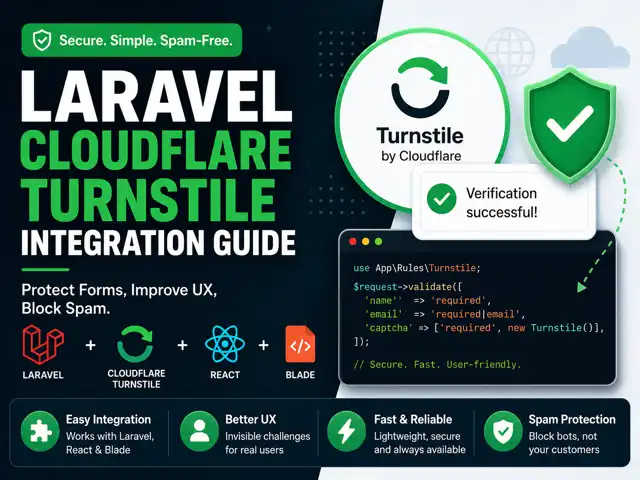
🚀 Laravel Cloudflare Turnstile Integration (Complete Guide)
Stop annoying your users with CAPTCHAs. Secure your app the right way.
If you're still using traditional CAPTCHA systems, you're sacrificing user experience for security—and that tradeoff is outdated.
Cloudflare Turnstile gives you a modern alternative:
- No puzzles
- No tracking
- Minimal friction
- Strong bot protection
This guide shows how to integrate Turnstile into a Laravel app using a clean validation rule, with both React and Blade frontend examples.
🧠 How It Works (Quick Mental Model)
Keep this simple:
- User interacts with Turnstile widget
- Frontend receives a token
- Token is sent to your backend
- Laravel verifies it with Cloudflare
- Request is accepted or rejected
That’s the entire system.
🔒 Backend (The Right Way)
Don’t verify tokens inside controllers. That gets messy fast.
Use a custom validation rule instead.
✅ Production-Ready Turnstile Rule
<?php declare(strict_types=1); namespace App\Rules; use Closure;use Throwable;use Illuminate\Support\Facades\Log;use Illuminate\Support\Facades\Http;use Illuminate\Contracts\Validation\ValidationRule;use Illuminate\Translation\PotentiallyTranslatedString; final readonly class Turnstile implements ValidationRule{ private const VERIFY_URL = 'https://challenges.cloudflare.com/turnstile/v0/siteverify'; public function validate(string $attribute, mixed $value, Closure $fail): void { $secretKey = config('services.turnstile.secret'); if (empty($secretKey)) { Log::critical('Turnstile secret key missing.'); $fail('Captcha configuration error.'); return; } if (empty($value)) { $fail('Captcha is required.'); return; } try { $response = Http::asForm() ->timeout(5) ->retry(2, 100) ->post(self::VERIFY_URL, [ 'secret' => $secretKey, 'response' => $value, 'remoteip' => request()->ip(), ]); $data = $response->json(); if ($response->failed() || ! ($data['success'] ?? false)) { Log::warning('Turnstile verification failed', [ 'ip' => request()->ip(), 'response' => $data, ]); $fail('Captcha verification failed. Please try again.'); } } catch (Throwable $e) { Log::error('Turnstile exception', [ 'message' => $e->getMessage(), ]); $fail('Unable to verify captcha. Try again later.'); } }}⚙️ Configuration
Add this to config/services.php:
<?php return [ 'turnstile' => [ 'site' => env('TURNSTILE_SITE_KEY'), 'secret' => env('TURNSTILE_SECRET_KEY'), ],];Then update your .env:
TURNSTILE_SITE_KEY=your-site-key-hereTURNSTILE_SECRET_KEY=your-secret-key-here🧪 Test Keys (Use During Development)
Site Key: 1x00000000000000000000AASecret Key: 1x0000000000000000000000000000000AA🧩 Use It in Validation
<?php use App\Rules\Turnstile; $request->validate([ 'captcha' => ['required', new Turnstile()],]);🚀 Frontend Integration
⚛️ React Example
import { Turnstile } from "@marsidev/react-turnstile";import { useState } from "react"; export default function Form() { const [token, setToken] = useState(""); const submit = async (e) => { e.preventDefault(); await fetch("/api/form", { method: "POST", headers: { "Content-Type": "application/json", }, body: JSON.stringify({ captcha: token }), }); }; return ( <form onSubmit={submit}> <Turnstile siteKey="1x00000000000000000000AA" onSuccess={setToken} /> <button type="submit">Submit</button> </form> );}🧾 Blade Example (Laravel Views)
<script src="https://challenges.cloudflare.com/turnstile/v0/api.js" async defer></script> <form method="POST"> @csrf <div class="cf-turnstile" data-sitekey="{{ config('services.turnstile.sitekey') }}" ></div> <button type="submit">Submit</button></form>⚠️ Common Mistakes (Avoid These)
❌ Trusting frontend validation
Always verify on the server.
❌ Silent failures
Fail securely if verification fails.
❌ No timeout handling
External APIs can hang.
❌ Hardcoding secrets
Always use .env.
🛠 Optional Improvements
- Add rate limiting (Laravel throttle)
- Track failed attempts per IP
- Feature flag Turnstile
- Queue verification for high-scale apps
📚 Official Docs
https://developers.cloudflare.com/turnstile/
🎯 Final Thoughts
This is one of those integrations that checks all boxes:
- Better UX
- Strong security
- Simple implementation
- Low maintenance
Make it your default—not an afterthought.

Senior Software Engineer • Writer @ Laranepal • PHP, Laravel, Livewire, TailwindCSS & VueJS • CEO @ Laranepal & Founder @ laracodesnap