Build Your First Ai Tool With Laravel Mcp 1.0 (Step-By-Step)
Published on October 3, 2026 by Dinesh Uprety

🤖 Build Your First AI Tool with Laravel MCP 1.0
Enough theory — let's build something real. In this tutorial you'll create a task-manager AI tool with Laravel MCP 1.0: an AI assistant will be able to create tasks and list them by talking to your Laravel app in plain English.
By the end, you'll type "add 'buy milk' to my tasks" in Claude Desktop, and your Laravel code will do it. No API keys to juggle, no JSON-RPC to hand-roll — just clean Laravel code.
What you'll build: two tools (create_task, list_tasks), one MCP server, tested three ways — including inside a real AI assistant.
Prerequisites: a Laravel 11+ app, PHP 8.2+, Composer, and Node.js (for the Inspector).
🧠 1. The 30-Second Mental Model
Laravel MCP gives your app three building blocks:
- Tools 🛠️ — actions the AI can take ("create a task", "send an invoice")
- Resources 📄 — data the AI can read ("today's sales report")
- Prompts 💬 — reusable instructions ("summarize like a CFO")
Today we focus on tools — they're the 80% use case and the most fun.
📦 2. Install the Package
composer require laravel/mcpThen publish the AI routes file (this is where MCP servers get registered):
php artisan vendor:publish --tag=ai-routesYou'll now have a routes/ai.php file. Think of it like routes/web.php, but for AI clients.
🛠️ 3. Create Your First Tool
A tool is just a PHP class with two methods: schema() (what inputs it accepts) and handle() (what it does). Generate one:
php artisan make:mcp-tool CreateTaskToolNow fill it in. We'll store tasks in the cache so the tutorial needs zero migrations:
<?php namespace App\Mcp\Tools; use Illuminate\Contracts\JsonSchema\JsonSchema;use Illuminate\Support\Facades\Cache;use Laravel\Mcp\Request;use Laravel\Mcp\Response;use Laravel\Mcp\Server\Attributes\Description;use Laravel\Mcp\Server\Tool; #[Description('Creates a new task in the task manager.')]class CreateTaskTool extends Tool{ public function schema(JsonSchema $schema): array { return [ 'title' => $schema->string() ->description('The task title, e.g. "Buy milk".') ->required(), 'priority' => $schema->string() ->description('Priority: low, medium, or high.') ->required(), ]; } public function handle(Request $request): Response { $request->validate([ 'title' => 'required|string|max:255', 'priority' => 'required|in:low,medium,high', ]); $tasks = Cache::get('mcp.tasks', []); $task = [ 'id' => count($tasks) + 1, 'title' => $request->get('title'), 'priority' => $request->get('priority'), 'created_at' => now()->toDateTimeString(), ]; $tasks[] = $task; Cache::put('mcp.tasks', $tasks); return Response::text( "Task #{$task['id']} created: \"{$task['title']}\" (priority: {$task['priority']})." ); }}Notice how Laravel-ish this is: validation with $request->validate(), facades, Response::text(). If you can write a controller, you can write a tool.
Now a second tool to list tasks:
php artisan make:mcp-tool ListTasksTool<?php namespace App\Mcp\Tools; use Illuminate\Contracts\JsonSchema\JsonSchema;use Illuminate\Support\Facades\Cache;use Laravel\Mcp\Request;use Laravel\Mcp\Response;use Laravel\Mcp\Server\Attributes\Description;use Laravel\Mcp\Server\Tool; #[Description('Lists all tasks in the task manager.')]class ListTasksTool extends Tool{ public function schema(JsonSchema $schema): array { return []; // no inputs needed } public function handle(Request $request): Response { $tasks = Cache::get('mcp.tasks', []); if (empty($tasks)) { return Response::text('No tasks yet. Create one first!'); } $lines = array_map( fn ($t) => "#{$t['id']} [{$t['priority']}] {$t['title']}", $tasks ); return Response::text("Your tasks:\n".implode("\n", $lines)); }}🧠 Writing good descriptions matters. The
#[Description]text is what the AI reads to decide when to use your tool. Write it like you'd explain the tool to a smart intern.
🖥️ 4. Create the Server and Register Your Tools
A server is the menu your app hands to the AI — it declares exactly which tools exist:
php artisan make:mcp-server TaskServer<?php namespace App\Mcp\Servers; use App\Mcp\Tools\CreateTaskTool;use App\Mcp\Tools\ListTasksTool;use Laravel\Mcp\Server; class TaskServer extends Server{ protected array $tools = [ CreateTaskTool::class, ListTasksTool::class, ]; protected array $resources = []; protected array $prompts = [];}Now register it in routes/ai.php — both as a web endpoint (for remote clients) and a local command (for assistants on your machine):
<?php use App\Mcp\Servers\TaskServer;use Laravel\Mcp\Facades\Mcp; // HTTP endpoint: POST https://yourapp.com/mcpMcp::web('/mcp', TaskServer::class); // Local: php artisan mcp:start tasksMcp::local('tasks', TaskServer::class);🧪 5. Test It — Three Ways, Easiest First
Way 1: Call the tool straight from a test
Laravel MCP lets you invoke tools directly in tests — no HTTP, no AI needed:
<?php namespace Tests\Feature; use App\Mcp\Servers\TaskServer;use App\Mcp\Tools\CreateTaskTool;use Tests\TestCase; class McpToolsTest extends TestCase{ public function test_it_creates_a_task(): void { $response = TaskServer::tool(CreateTaskTool::class, [ 'title' => 'Buy milk', 'priority' => 'high', ]); $response->assertOk() ->assertSee('Task #1 created'); }}php artisan test --filter=McpToolsTestWay 2: The MCP Inspector (visual, interactive)
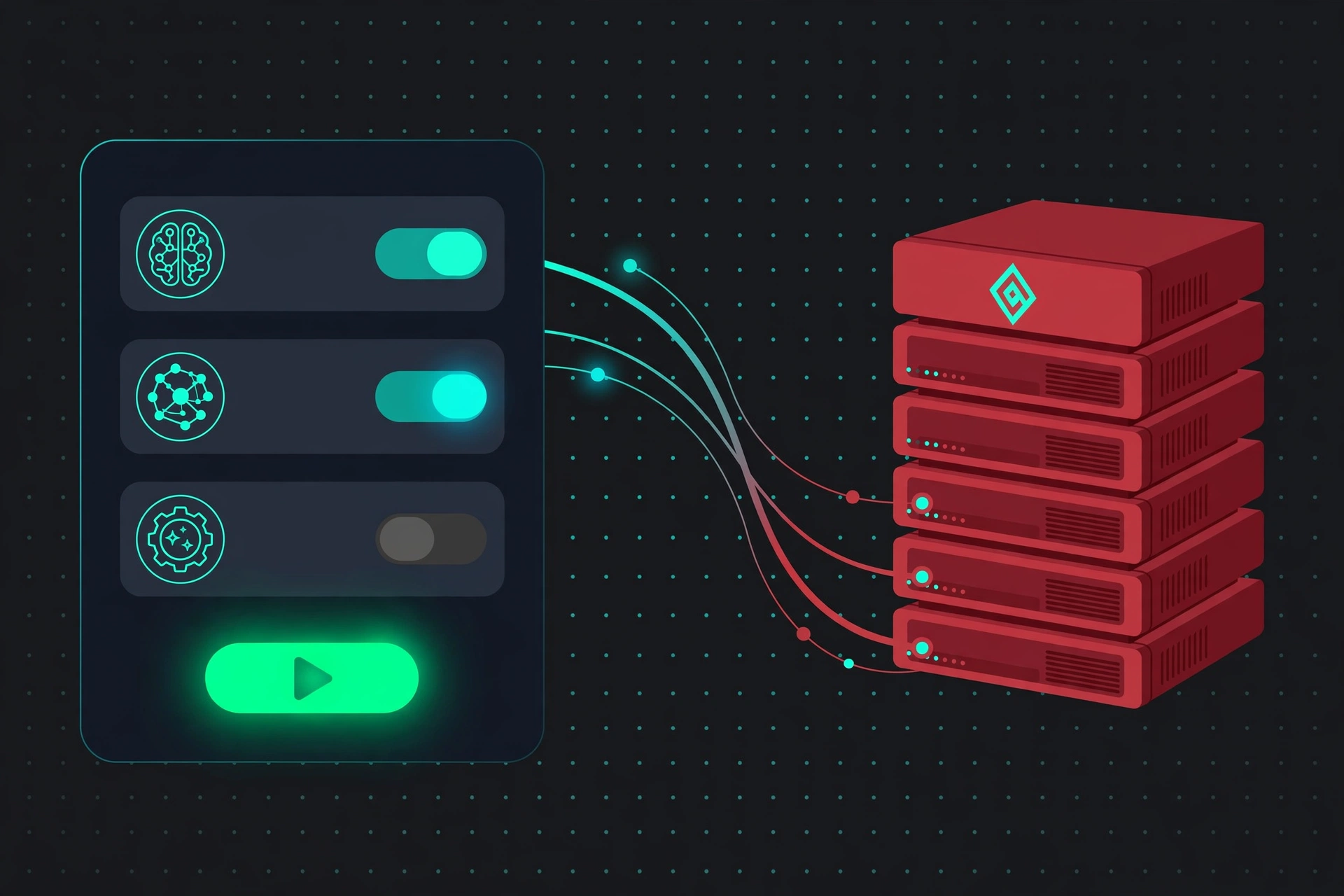
This is the fun one — a full UI to click through your tools:
php artisan mcp:inspector tasksIt opens a browser window where you can see both tools, fill in title and priority, hit Run, and watch your Laravel code execute. Perfect for debugging schemas before any AI touches them.
Way 3: Talk to it from Claude Desktop 🤯
This is the moment it clicks. Add your server to Claude Desktop's config (claude_desktop_config.json):
{ "mcpServers": { "my-tasks": { "command": "php", "args": ["/path/to/your-app/artisan", "mcp:start", "tasks"] } }}Restart Claude Desktop, then type:
"Add 'buy milk' with high priority to my tasks, then list everything."
Claude will discover your two tools, call create_task, then list_tasks — and reply with your task list. Your Laravel app just became an AI's hands. 🙌
🚀 6. Where to Go from Here
You've got the core loop. Level it up with:
- Resources (
php artisan make:mcp-resource) — let the AI read data, liketasks://summary - Prompts (
php artisan make:mcp-prompt) — reusable instructions, e.g. "weekly review" - Real database — swap
Cachefor an EloquentTaskmodel - Searchable tool catalogs (new in 1.0) — when you have dozens of tools, let the AI search them on demand instead of loading everything into context
- Auth — protect the web endpoint:
Mcp::web('/mcp', TaskServer::class)->middleware('auth:sanctum')
🎯 Final Thoughts
That's the whole journey: install → tool → server → routes → test → talk to it. The pattern never changes no matter how complex your tools get — a weather API, a database query, a payment refund — it's always a class with a schema and a handler.
The AI era isn't coming to Laravel. With MCP 1.0, it's already here — and now you know how to build for it.
What tool are you building first? Drop a comment below. 👇
Sources:

Senior Software Engineer • Writer @ Laranepal • PHP, Laravel, Livewire, TailwindCSS & VueJS • CEO @ Laranepal & Founder @ laracodesnap